





Mobile internet in Amsterdam: a visitor's guide
Amsterdam is small, flat and made for a bike, which means the phone is out all day: navigation, tickets, museum times. The network is good; the gaps are in the tunnels, between the canals and in your battery.
At a glance
- Does an eSIM work in the Netherlands?
- Yes. It connects to KPN, Vodafone (5G).
- Price
- From 3,99 € (3 GB, 15 days).
- For a one-week trip
- 5 GB for 30 days: 6,29 €.
- Does an EU phone plan work there?
- Yes: The Netherlands is in EU roaming, so a plan from an EU country usually works at no extra cost, within your operator's fair-use limit. If your plan is from outside the EU, it charges international roaming.
- When does the plan start?
- When your phone first connects to a network in the Netherlands. The QR code arrives by email within minutes.
Roaming here, in three lines
- EU and EEA plans: roam like at home applies, within the fair-use limit.
- UK plans: it depends on your operator since Brexit.
- Plans from outside Europe: usually roaming charges or a daily pass.
The rules in full, country by country, are in our guide to Internet in the Netherlands.
 eSIM for Netherlands
Data on your phone the moment you land in Netherlands. No account, no app, no shop.
Choose your data
For one to two weeks of maps, messaging and the odd video.
Nothing is charged now · When we are done improving, we will email you 30% off
Will it work on my phone?
On iPhone: Settings → General → About, and scroll to EID. If there is an EID, your phone takes eSIMs. Every iPhone from the XS (2018) onwards does.
On Android: Settings → About phone → Status, and look for EID. If there is an EID, your phone takes eSIMs. Most Galaxy S20, Pixel 3 and later do.
It also has to be carrier-unlocked. If you bought it outright or your contract is over, it almost certainly is.
Not sure about your model? Ask us before you pay and we will tell you — a person answers within 24 hours.
How it works
- 1Choose and payCard, Apple Pay or Google Pay. No account.
- 2Install it at homeThe QR arrives by email. Scan it on wifi in a minute.
- 3Connect when you landTurn on data roaming for the eSIM and you are online.
From Schiphol to the centre by train
The train station sits under the airport, so most visitors are on a train to the centre within minutes of clearing arrivals. That works better with data in hand: the ticket on your phone, the platform, live departures and the message to the flat.
Airport Wi-Fi usually asks for registration or runs out after a while, and it stops at the platform. Install the eSIM at home over Wi-Fi and leave it: installing does not start the plan, the first connection in the Netherlands does.
A day on a bike: GPS, battery and the canals
- Holding the phone while you ride is not allowed, so use a mount or follow spoken directions with the phone in your pocket.
- Screen plus GPS for hours flattens a battery. Take a power bank, and let the phone speak the turns instead of staying lit.
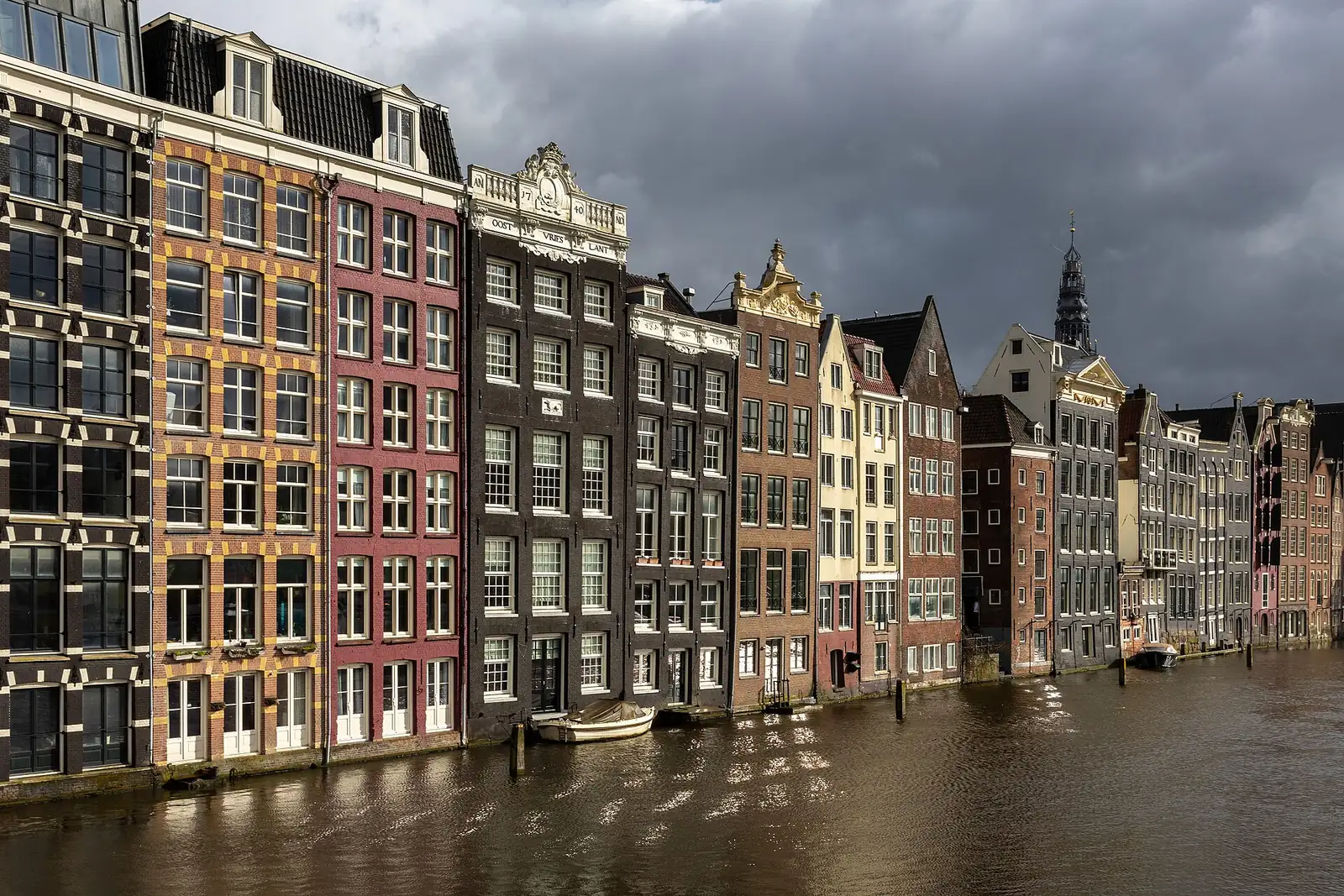
- Between canals and in the narrow streets of the centre the GPS bounces off buildings and water: the dot drifts and the arrow spins. An offline map of the city, downloaded before the trip, keeps you moving.
- Set the route before you set off. Fiddling with a map in a bike lane is how you end up in the tram tracks.
Museums with timed entry and day trains
Most of the big museums work with a time slot shown from the phone. Save the PDF or a screenshot: queues form in doorways and old buildings, and signal there comes and goes, like in any basement or thick-walled hall.
Haarlem, Utrecht and Rotterdam are short train rides and easy day trips. Tickets and live times live on the phone, and coverage on the move depends on the stretch and the tunnels, so download what you need before the train pulls out. A Netherlands eSIM covers the whole country, but stops giving data once you leave it.
How much data
It depends on the days, on whether you watch video and on whether you share with a laptop. How much data do I need turns that into a number from what you actually do.
Prices for the Netherlands
Data eSIMs for the Netherlands: 3 GB for 3,99 €, 5 GB for 6,29 €, 10 GB for 11,49 € and 20 GB for 18,79 €. Buy it weeks ahead if you like: it only starts counting when your phone connects there.
It is data only, so your own line keeps your number, your SMS and WhatsApp. Hotspot is included and we do not cap the speed, which is what makes it usable for a laptop. If Amsterdam is one stop of a longer trip, a Europe eSIM crosses the borders with you.
Travelling later?
Going to Netherlands later? We remind you before you fly
Tell us the day you leave. We email you a week before and the day before with the steps to install the eSIM on Wi-Fi at home. Nothing else.
We only write about this trip, and every email has a one-click unsubscribe. Privacy policy
Is there signal in Amsterdam metro and train tunnels?
It depends on the line, the station and the stretch of track: some have coverage and some drop. Load your route before you go under.
Why does the map jump around in the centre?
The GPS signal bounces off tall narrow buildings and water. An offline map is steadier there than a live one.
Does a Netherlands eSIM work in Haarlem or Rotterdam?
Yes, it covers the whole country. It stops giving data when you cross the border into another country.
Will a day of bike navigation drain my battery?
It can. Keep the screen off with spoken directions, use an offline map, and carry a power bank for the afternoon.
Get your eSIM before you fly: the QR arrives by email in minutes and the plan only starts when you connect at your destination.
See eSIMs for the Netherlands